Intelligent classification
The app seamlessly detects who you visited and suggests the purpose of the trip, while making it easy to correct.

Categorizing your trips
A compliant mileage log requires you to clearly distinguish between business and personal trips. Set your working hours and let Driversnote do it for you - you can always revise it from your phone or the web interface later on.

An inbox for your trips
See your most recent trips to revise and approve them one at a time or delete the ones you do not need.

See all your trips
You can browse through all of your trips and quickly add a return trip if you need to.
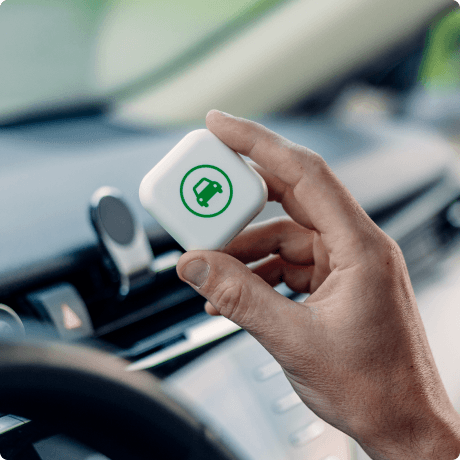
Track on autopilot with an iBeacon
Only track trips with your vehicle with the Driversnote iBeacon. The app will help you classify your trips based on your work hours and previous logs.

Handling places
You need to log who you visited. We make this easy for you:
Other features


Try it out now
SIGN UP FOR FREEFrequently Asked Questions
Absolutely! You can add your Work Hours in the app and all trips within your work hours will automatically be auto-classified as Business, while trips outside of work hours will be auto-classified as Personal.
You can save locations you visit often for even easier trip logging - Type in the address, select it and name your location for an easy overview of your frequently visited locations.
Yes! When creating a new location, tap on "My location doesn't have an address". You will be able to pinpoint the location on a map and save it for easier trip logging.