Claim every business mile
Driversnote tracks your drives automatically and keeps an accurate mileage log, so there's nothing to piece together when you file.
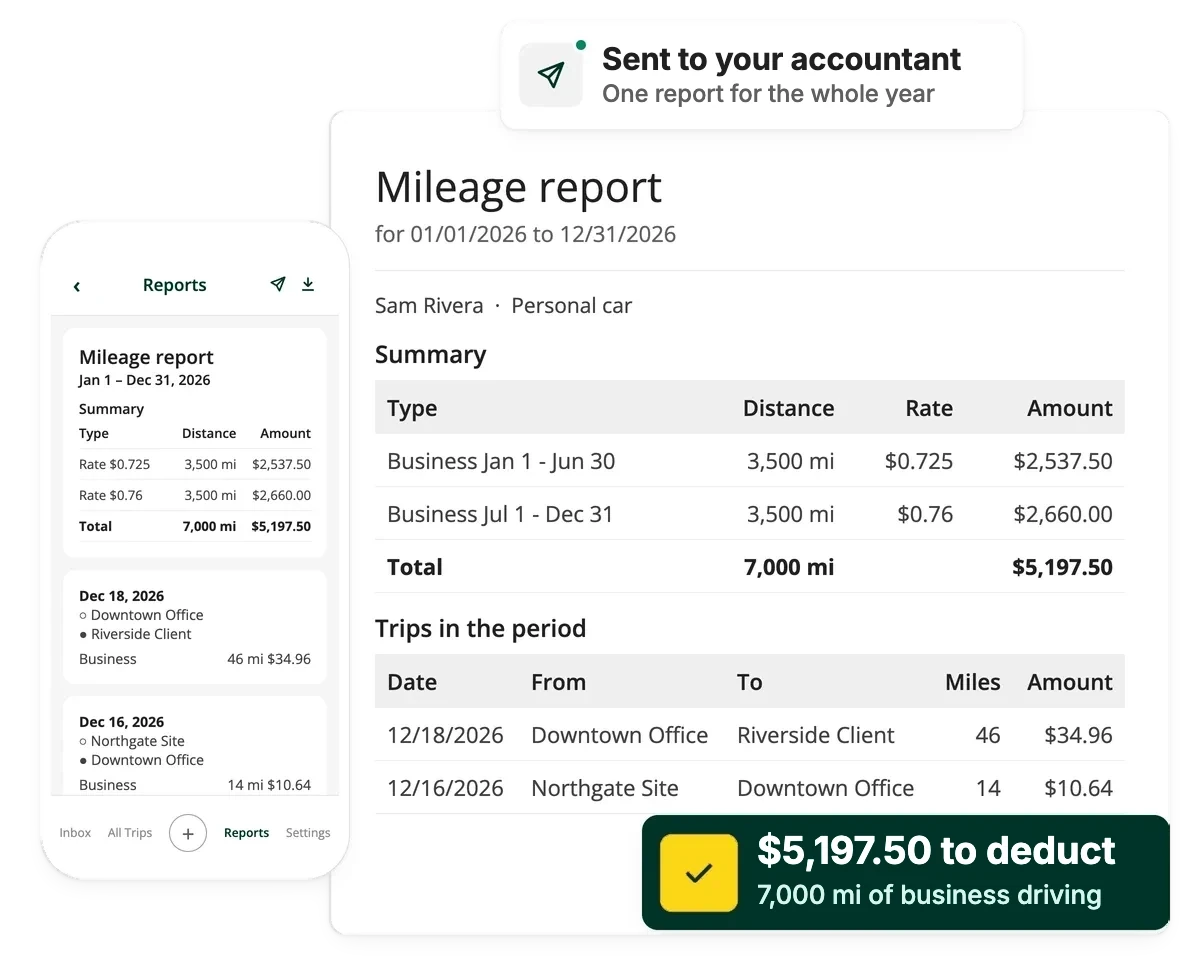
Source: Driversnote internal data, 2026
From drive to tax deduction

Log every business trip
Each drive is recorded as it happens, with its date, miles and destination, so your log is up to date from the start.

Business or personal
Trips are sorted into business and personal, so only your business miles count.

Choose your method
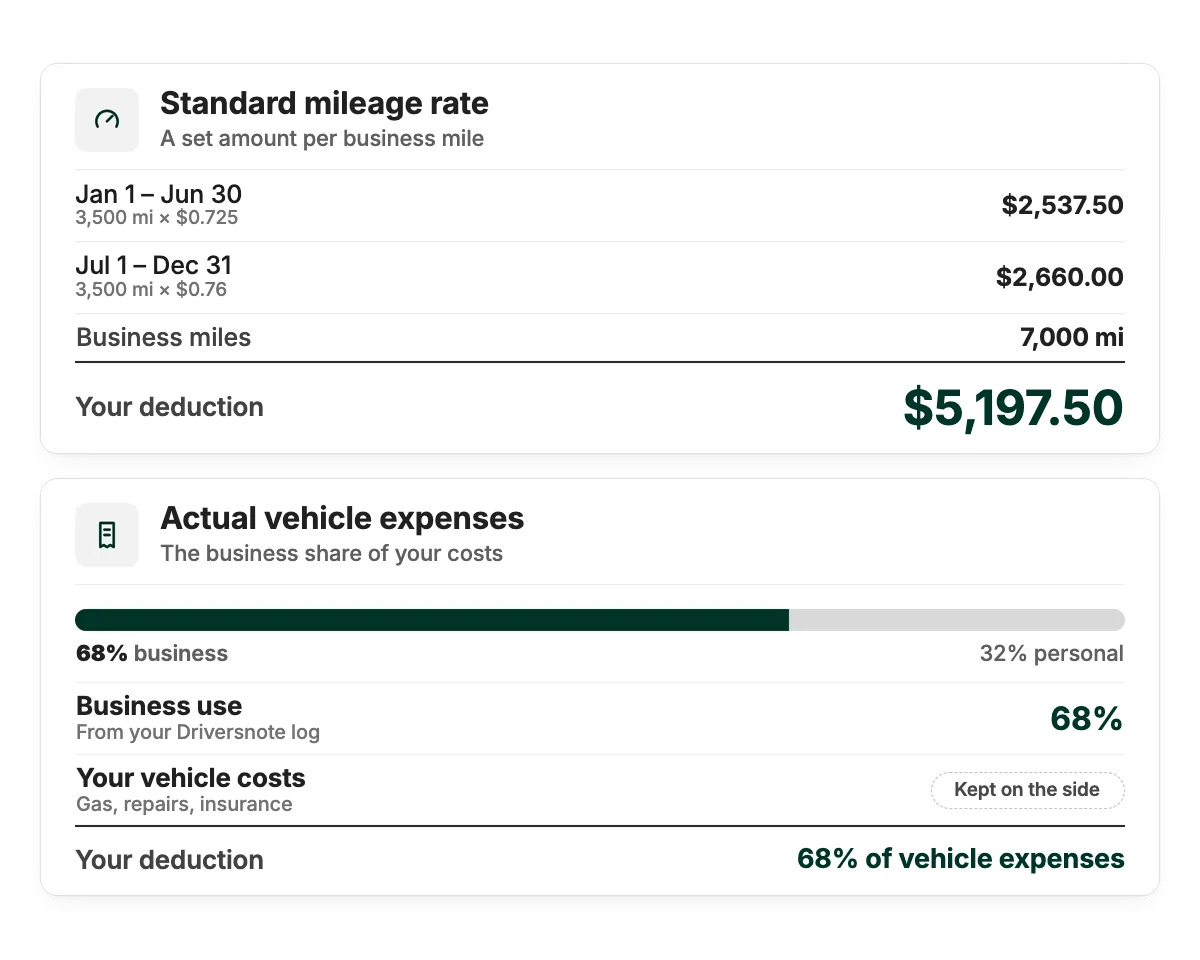
Claim the standard mileage rate or your actual vehicle expenses.

Total your business miles
Your business miles add up to a total for the year, ready to claim.

Claim your deduction
Take your report to your accountant, or use it to file yourself.
Claim methods
Two ways to claim, both covered
You can claim the standard mileage rate, a set amount per business mile, or your actual vehicle expenses. Either way, it starts with an accurate log, and that's what Driversnote gives you.
Audit-ready logs
Track what the IRS looks for
The IRS looks for each trip's miles, date, destination and purpose, recorded close to the time of the drive. Driversnote records every trip as you drive, so you only add the purpose.
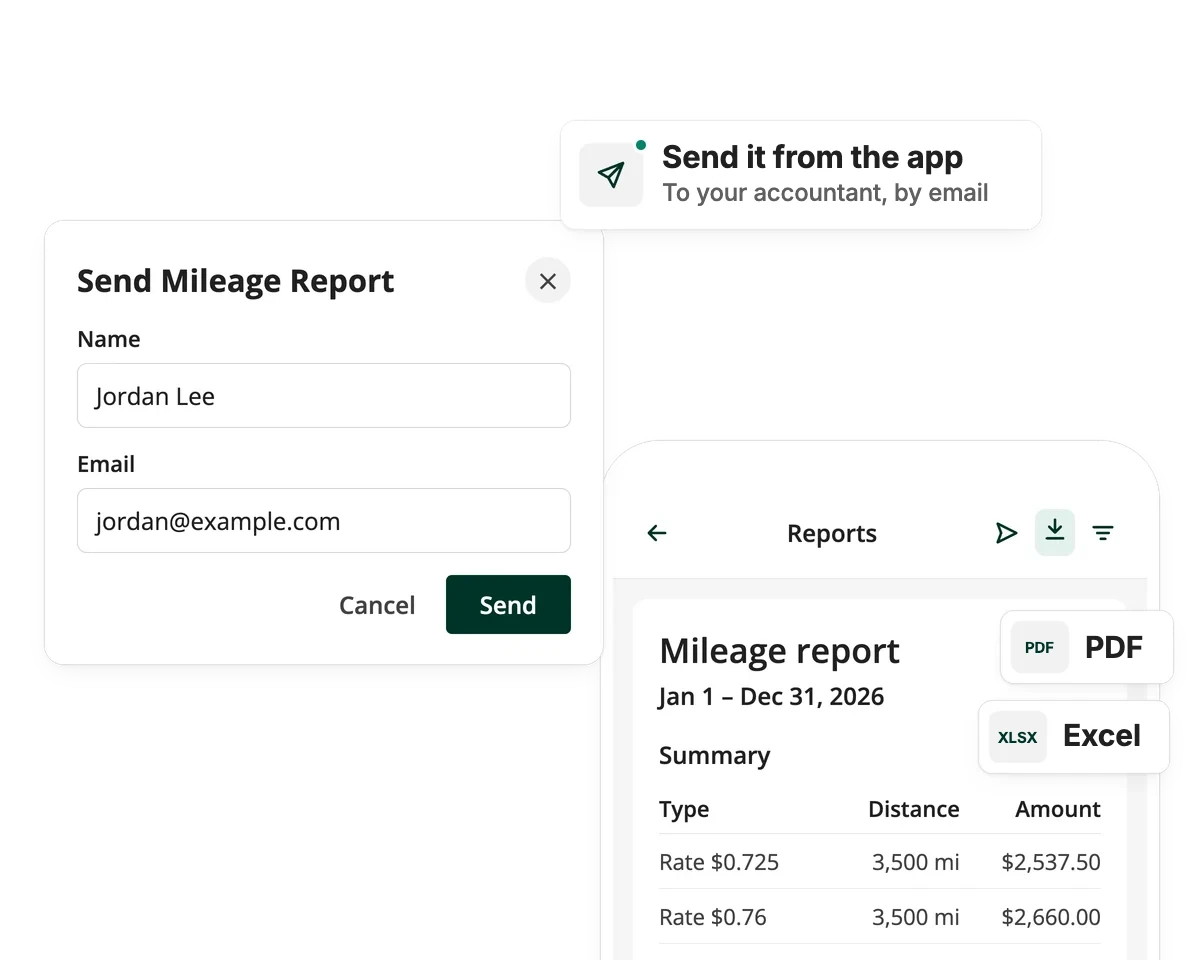
Tax-time reports
Your numbers, ready when you are
At tax time, create a report in seconds and export it as PDF or Excel, with your business miles and claim total in one place, whether you file yourself or hand it to your accountant.
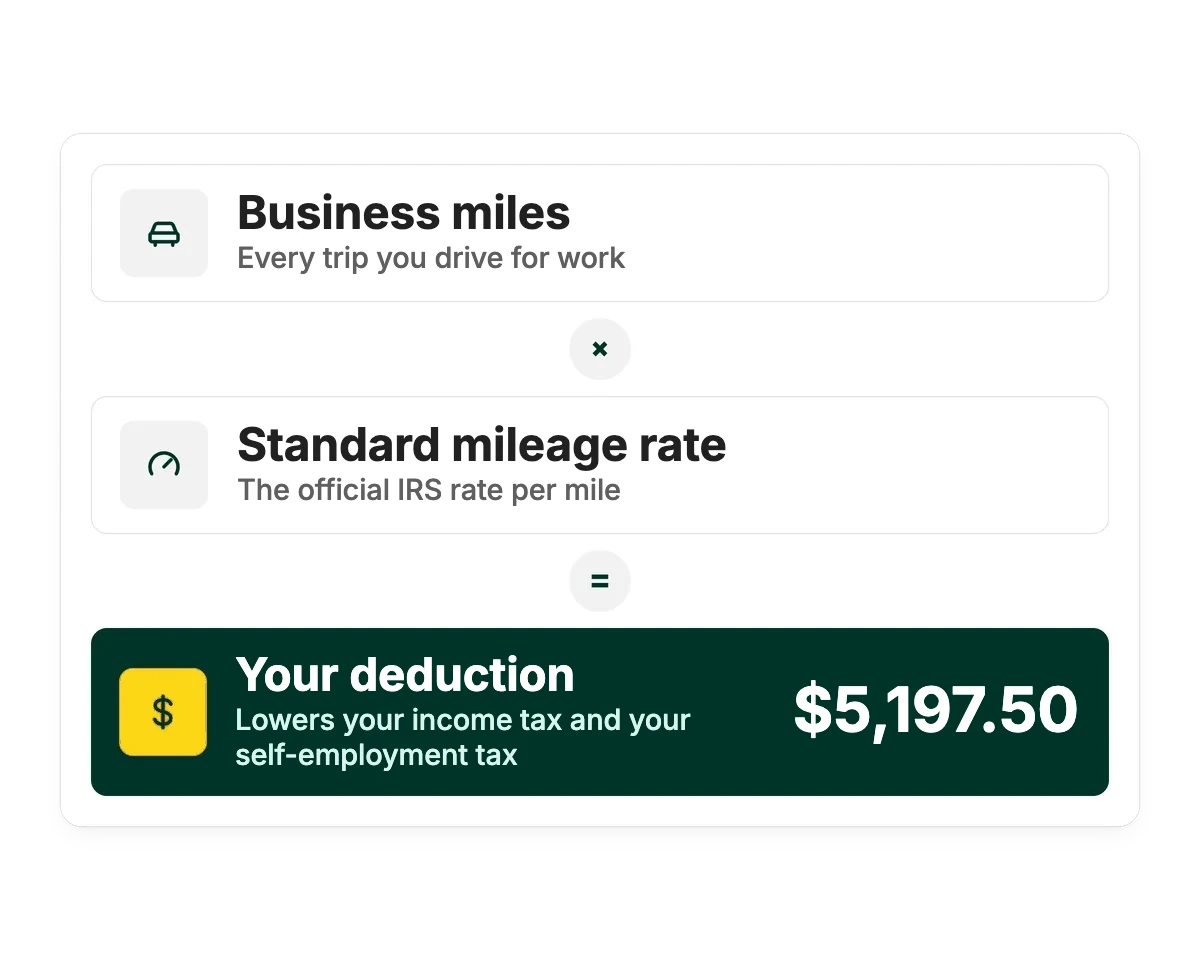
Why miles matter
Miles you drive for work lower your tax bill
If you're self-employed, the business miles you drive reduce your taxable income. That lowers your income tax and your self-employment tax. With the cost of gas climbing, every trip you forget to log is money left on the table.
Works the way you work, with the tools you use
- iPhoneiOS app
- AndroidAndroid app
- WebDesktop & admin
- iBeaconAuto-start in the car
- IntegrationsConnect your tools
- Open APIComes with Pro+


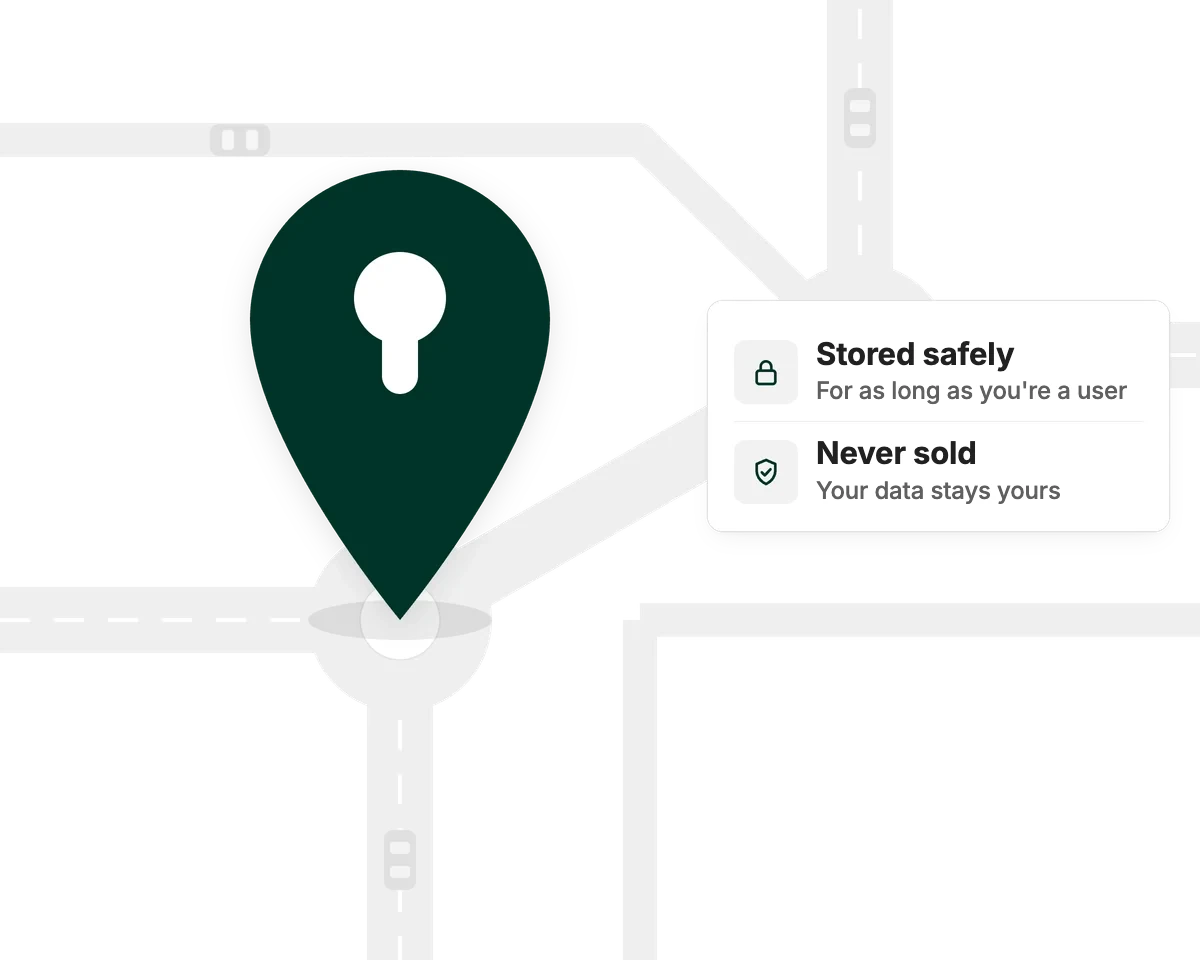
Privacy & security
It's your data, and we never sell it
Your mileage log is yours. Driversnote keeps your trips safely stored for as long as you're a user, so your records are there whenever the IRS asks. You decide what goes to your accountant, whether that's every trip or business trips only.
Find your plan
Start free, upgrade when you drive more
The free plan includes up to 15 trips a month. Pro has unlimited trips, so every deductible mile makes it into your claim.
See all features and plansWhich plan is right for you?
Answer a few questions and we'll point you to the right plan.
Who's doing the driving?
How many work trips do you drive in a typical month?
Want any of these extras?
Frequently asked questions
Yes. If you're self-employed, you can deduct the business miles you drive, usually on Schedule C with your tax return. Employees can't deduct unreimbursed mileage.
The standard rate applies a set amount to each business mile. Actual expenses use the business share of costs like gas, repairs and insurance. Driversnote tracks your miles and creates the log for the standard rate. For actual expenses you also need to keep your receipts. Ask your accountant which method suits you.
For every business trip, the miles driven, the date, the destination and the business purpose, recorded at or near the time of the trip. Driversnote helps capture this as you drive.
No. Driving between home and a regular workplace is never deductible. Trips to clients and temporary work sites can count.
Odometer readings help support your mileage totals, and an odometer reading at the start of the year shows on your report. You can enter them in Driversnote.
Keep them for as long as your accountant advises. If you're unsure, ask them or check the IRS guidance for your situation.
A deduction can be disallowed without adequate records, and an accuracy-related penalty of 20% of the underpayment plus interest can apply. Vague purposes and logs rebuilt after the fact are what tend to get rejected. Driversnote logs trips as they happen, and you can export the log at any time.
Yes. The free plan includes up to 15 trips a month, with automatic tracking in the iOS and Android apps and your log on the web. Upgrade to Pro for unlimited trips.
Yes. Add missing trips by hand and edit any entry. Notes and tags help keep the purpose clear.
Top posts
For Self-Employed
Latest update: September 22, 2026 - 15 min read
Learn what goes into claiming mileage tax deduction as self-employed, the methods you can use and what records to keep.
Mileage Log Requirements
Latest update: March 25, 2026 - 5 min read
For mileage claims, you should track the time, miles, place, and purpose of each work trip. Get an overview of mileage log requirements.

Current Mileage Rates
Latest update: July 17, 2026 - 2 min read
The current IRS mileage rates and how to use them. Get an overview of rules and rates for 2025 and 2026.
Start logging every business mile
Download the app, select your plan and you're ready to go.

