Log every mile between job sites
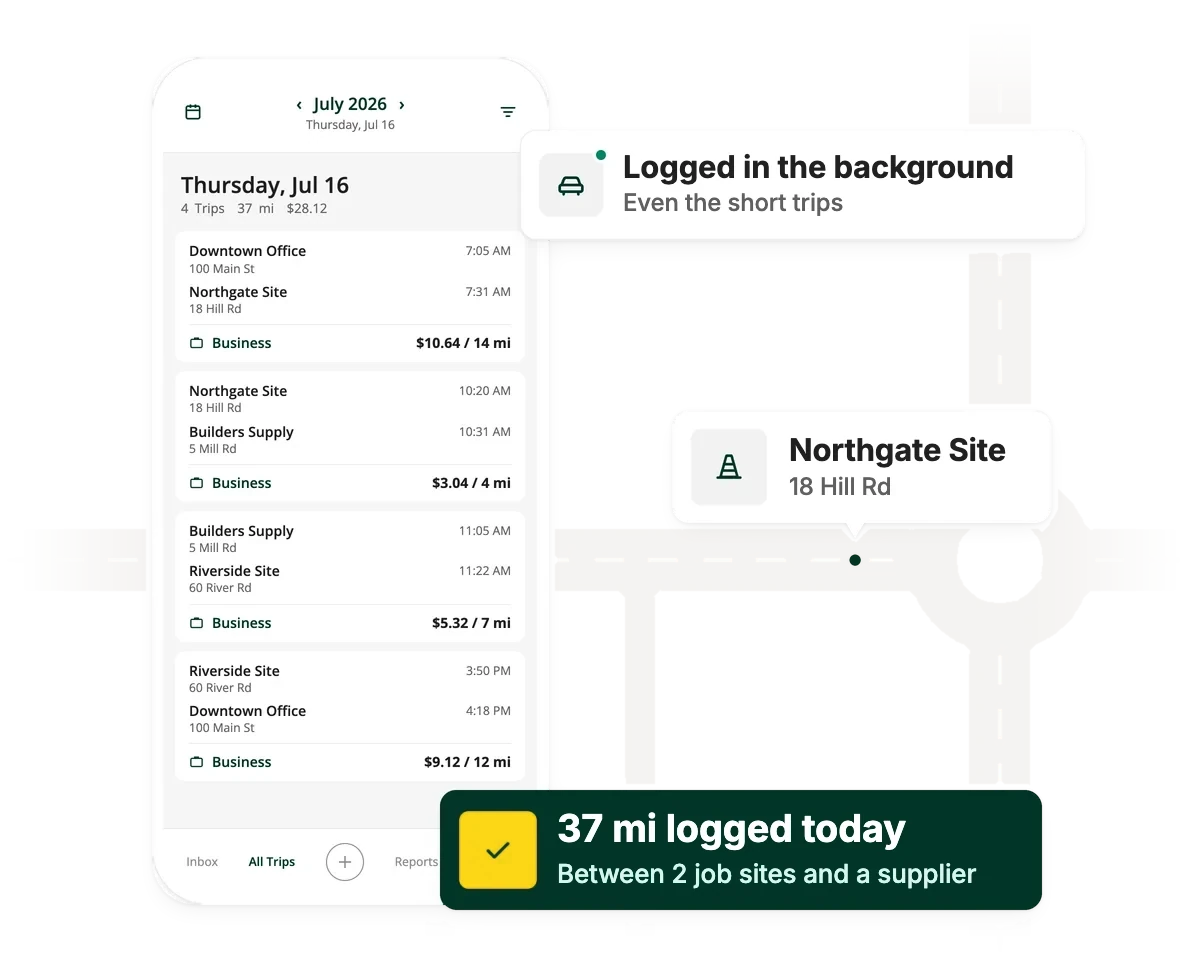
Between sites, suppliers and the office, you're on the road all day, and short trips are the easiest to forget. Driversnote logs every drive in the background, so reimbursements, deductions and job costs are built on accurate miles.


Loved by people who drive for work
I drive at least 150 miles per day with somewhere between 3 and 8 stops per day. Using this app makes it easy to keep track of my miles. It allows you to input addresses for each client so no need to guess which clients you visited last week. You can generate monthly reports and end of year reports for your taxes. Love this app!

Been using the app with the IBeacon. It's working as I hoped it would very well!
The reports totaling my reimbursement doing all the math on my behalf is amazing! A very well designed app, the developers should be proud.
This is a very logical and easy to use app. If it were hard to use, I would never log anything! I love it.
The smart features and simplicity of the app eliminates paperwork and is your constant reminder of what is personal and what is business.
Great app to use for your mileage on vehicles for work related jobs
How Driversnote works for construction
Track every trip automatically
Driversnote logs every drive in the background, from your phone alone or paired with an iBeacon.
Tag trips, submit logs when needed
Mark trips as business with a tap and add a tag or a note for the job, site or client.
Reports for reimbursement and tax
Use your log to get reimbursed, claim the deduction or review your team's mileage in one place.
Construction on Driversnote
Source: Driversnote Internal Data 2026
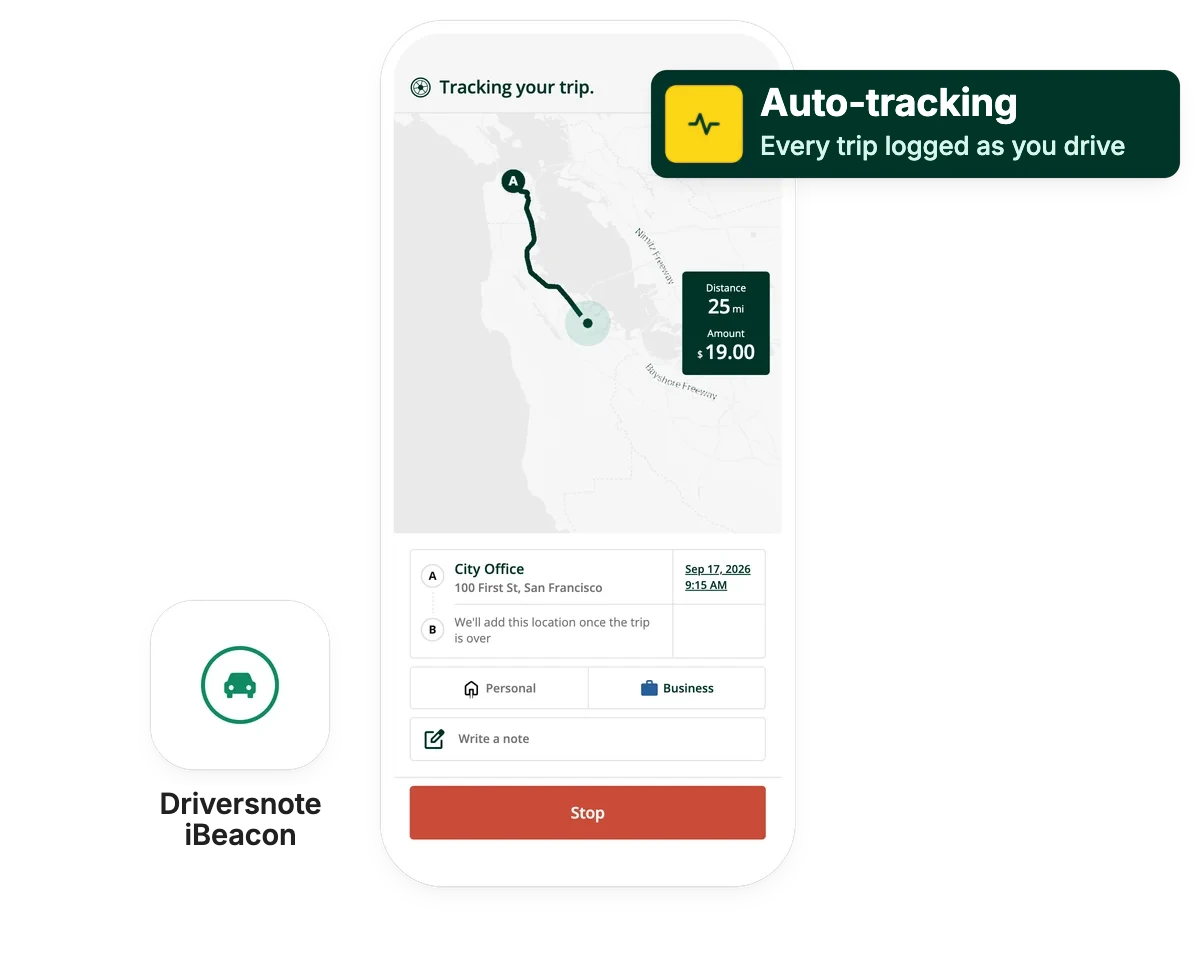
Automatic mileage tracking
Track your way, with or without an iBeacon
Driversnote gives you more than one way to track: automatically on your phone, by adding trips yourself, or with an optional iBeacon. Either way, your trips are logged accurately and without fuss. Many construction teams choose the iBeacon for hands-free tracking, and 57% of their trips start with one.
For contractors
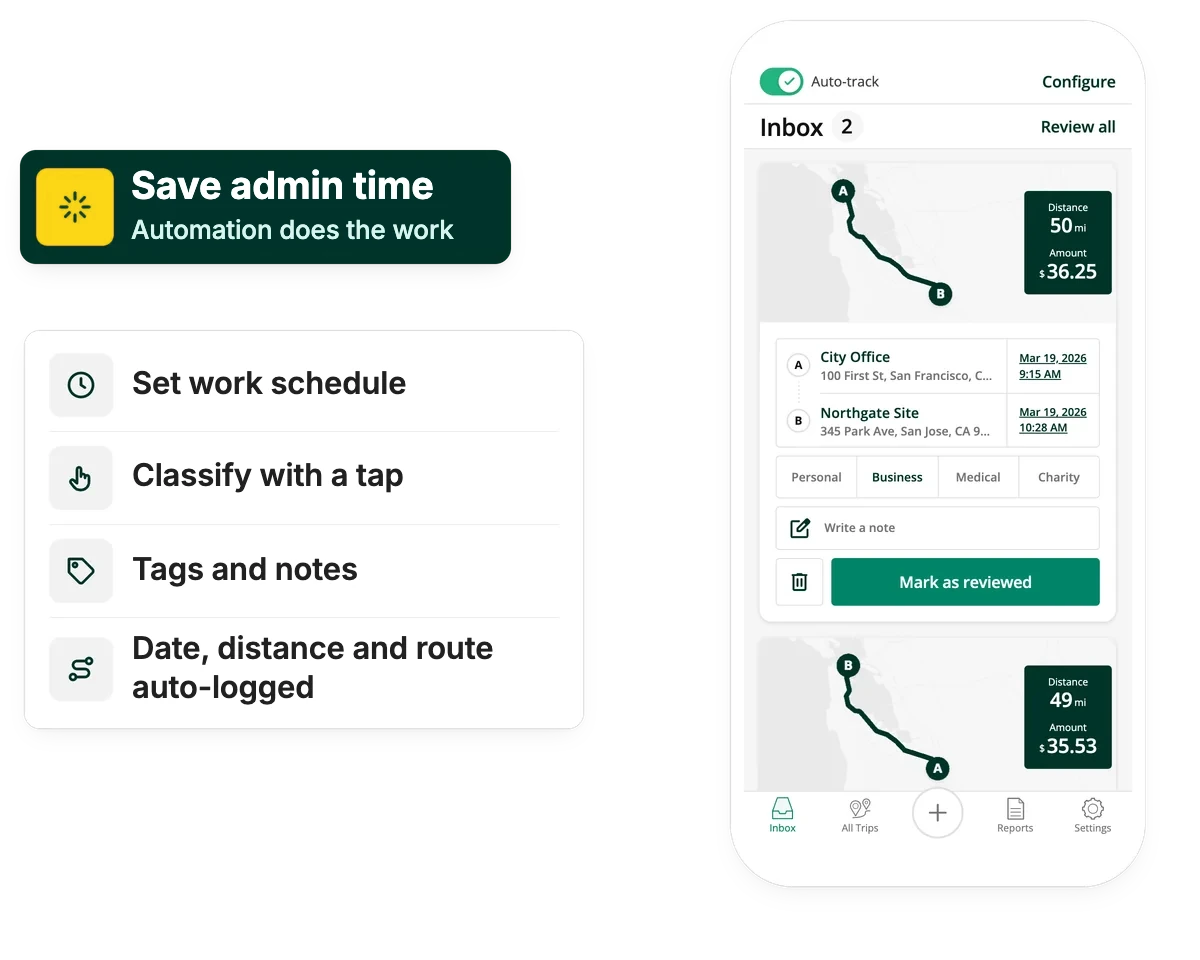
Spend less time on mileage
Running your own business or working 1099? We know you want to spend as little time in the app as possible, so here are a couple of ways we make that easy for you:
For construction teams
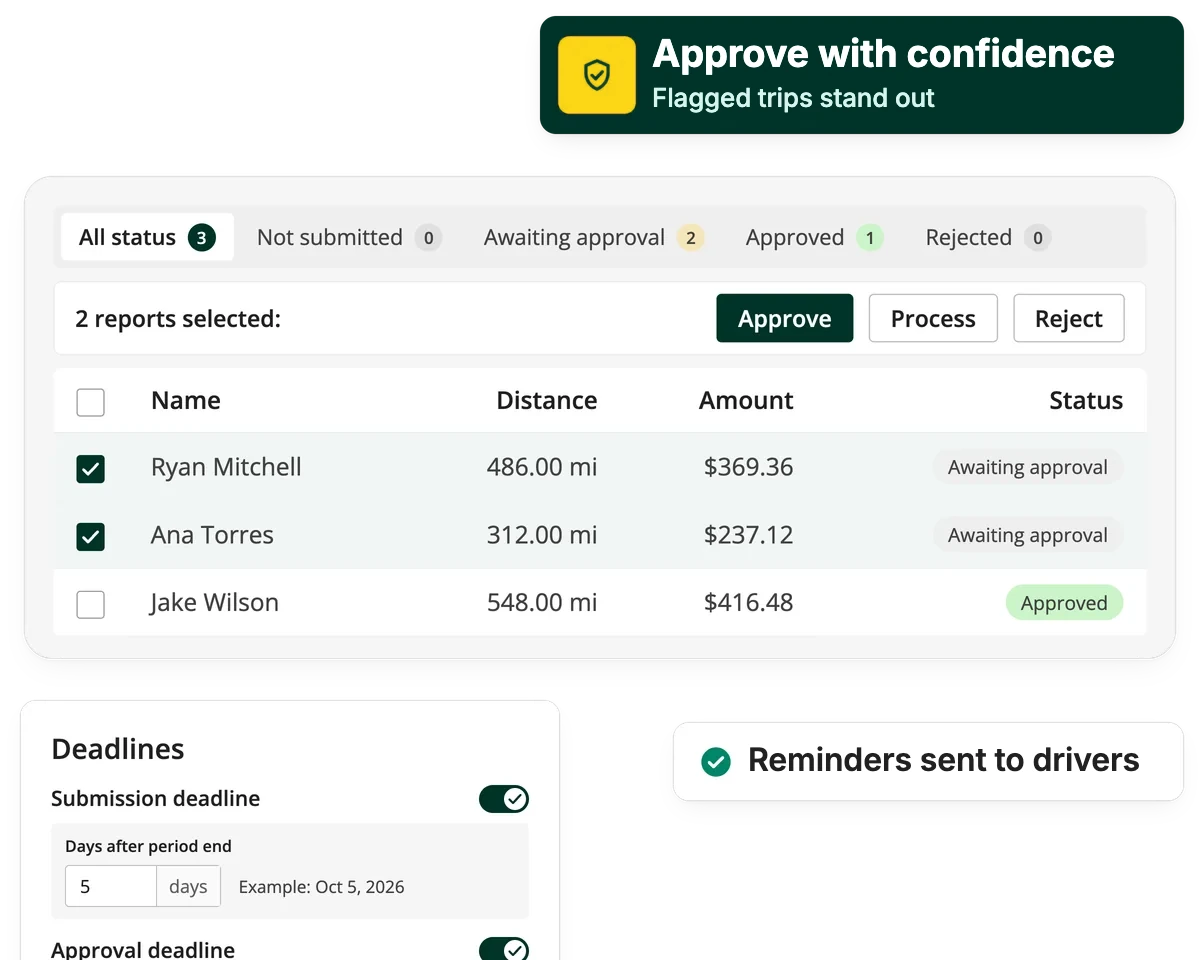
Every driver's mileage, in one place
Managing employees who drive their own vehicles for work? Driversnote for Teams brings every driver's mileage into one place. Drivers submit logs on your company's schedule, managers approve them, and payroll gets totals at your company's rate.
Find your plan
A plan for every driver and team
Tracking your own trips? Start free. Managing a team? Team plans add reports, approvals and admin tools, priced per driver.
See all features and plansWhich plan is right for you?
The typical construction driver on Driversnote logs 850+ miles every month. Answer a few questions and we'll point you to the right plan.
Who's doing the driving?
How many work trips do you take in a typical month?
What would be useful to you? Pick any, or skip
Made for drivers, admins and finance
For drivers and managers
It tracks itself between sites
Every work drive is logged automatically, from the office to the supplier to the next site, with or without an iBeacon. You still classify your trips, but a work schedule and an iBeacon cut that down a lot. Personal trips stay private, so drivers are happy to keep tracking on.
For admins
Approve mileage without the chasing
Collect standardized reports, approve them and reimburse at the IRS standard rate or your company's own rate. See every driver, their logs and their approval status at a glance.
For finance
Mileage you can bill and document
Export reports in PDF or Excel for payroll, billing or your accountant, from a single driver's trips to the whole team's mileage. Add licenses when you need them, reassign them when someone stops driving, and only pay for the drivers who track.
Frequently asked questions
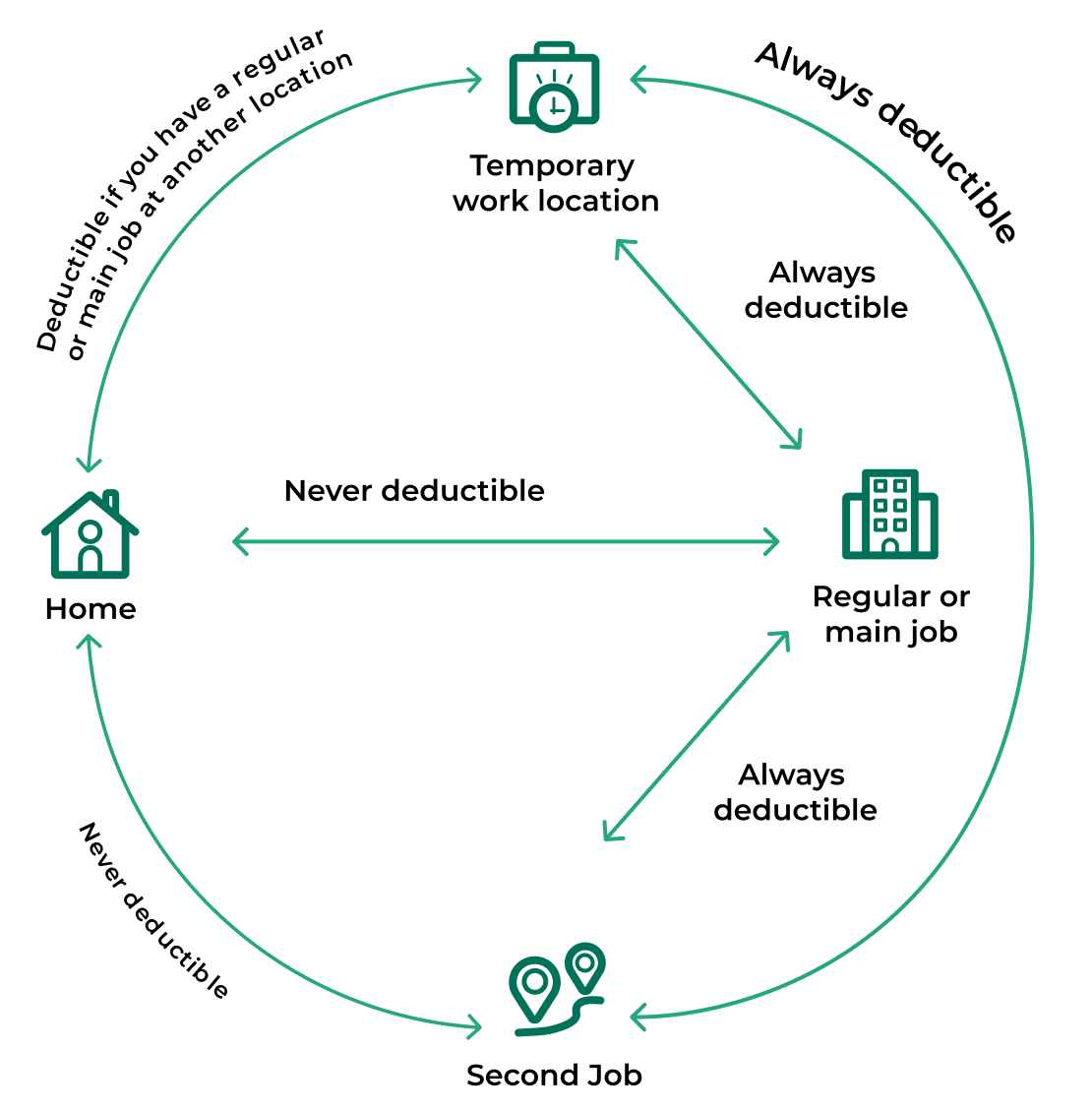
Generally, yes. Trips from your regular work location, like an office or shop, to a temporary job site are deductible, whatever the distance. Commuting from home to your regular workplace is not. A site is temporary if the work is expected to last, and does last, a year or less.
It's the rate per mile the IRS sets for business driving. The IRS updates it every year and can change it mid-year, so use the rate that applied on the date of each trip. That's why every trip in your log needs a date, and Driversnote records it automatically.
Federal law only requires it when unreimbursed costs push pay below minimum wage. Some states, including California, require employers to cover necessary business expenses. W-2 employees also can't deduct unreimbursed mileage, so reimbursement is the only way they get it back.
Yes. Self-employed and 1099 contractors can deduct business miles on Schedule C, using the standard mileage rate or actual expenses. You need a record of the date, miles, destination and business purpose of each trip.
Yes, you can add tags or notes to trips, like a job number, site or client, and they carry through to your reports. That makes it easier to bill travel or allocate it to job costs.
Under federal law, travel from one job site to another during the workday counts as hours worked. The normal commute from home does not. Driversnote records the start and end time of every trip, which helps back up those hours.
Stop losing miles between job sites
Construction drivers on Driversnote log over 850 miles a month. Make sure every one of them counts.
Related guides

Mileage rules for employers
What US employers need to know about reimbursing employee mileage, from IRS rates to accountable plans.
Self-employed mileage deductions
How contractors and the self-employed claim business miles on Schedule C, and what records to keep.

California mileage reimbursement
Why Labor Code 2802 makes reimbursement mandatory in California, and how to calculate it.